Using AI assistance
AI Agent helps you understand accessible work and prepare changes for review. Useful questions include:
- What needs attention in my work?
- Which team can help with this issue?
- What does this person do?
- What is blocking this project?
- Review this work item or entry.
AI can use project, team, user, and work-item context. It fetches more detail when the question needs it and only uses records you are allowed to access.
Project-specific questions work best with a project added as context. AI Agent can summarize the project graph, surface blocked or overdue work, explain decisions, and point to the records it used.
Dictate a message
When voice transcription is available, select the microphone control beside Send in the Home or AI Agent composer and speak. The browser asks for microphone permission the first time you use it. While you record, a live waveform and timer show the audio being captured. Stop the recording to transcribe it, then review or edit the text before sending. Voice recordings are not saved as chat attachments.
Windrunner supports OpenAI transcription with gpt-transcribe and Gemini
transcription with gemini-2.5-flash. Voice transcription is configured
independently from the chat AI provider. See Voice transcription configuration
to enable a provider.
Review changes
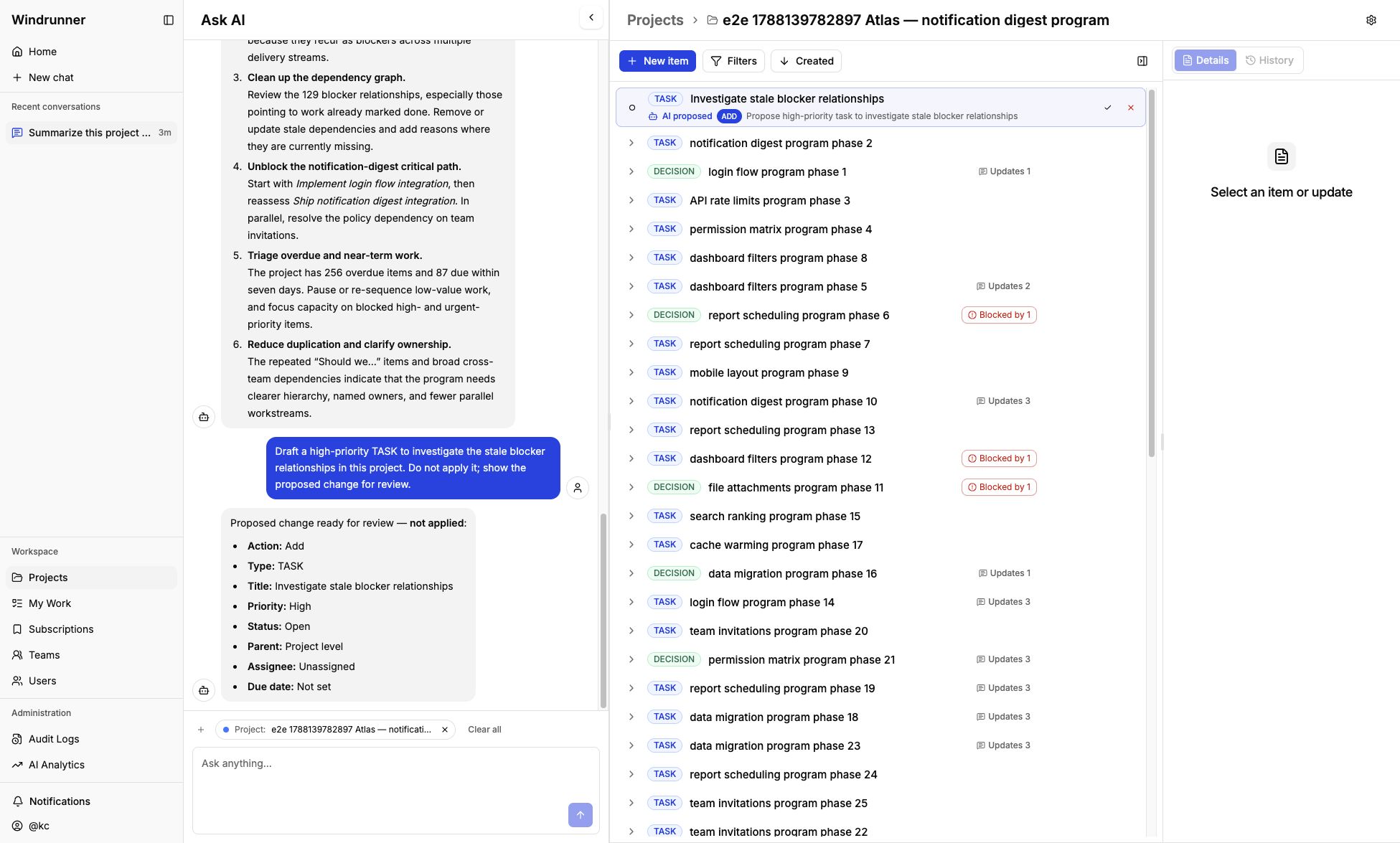
AI may propose new or updated work items, entries, and relationships. It checks for likely duplicates first. Clear matches are reported for update; ambiguous matches require clarification.
Proposals are not applied automatically. Review the proposed fields and then accept, reject, or ask for a revision. Users, teams, and projects are not directly changed by chat proposals.
When a proposal targets project work, it also appears in the workspace as an
AI proposed row. Use the accept or reject control on that row after checking
the action, type, title, priority, status, parent, assignee, and due date.
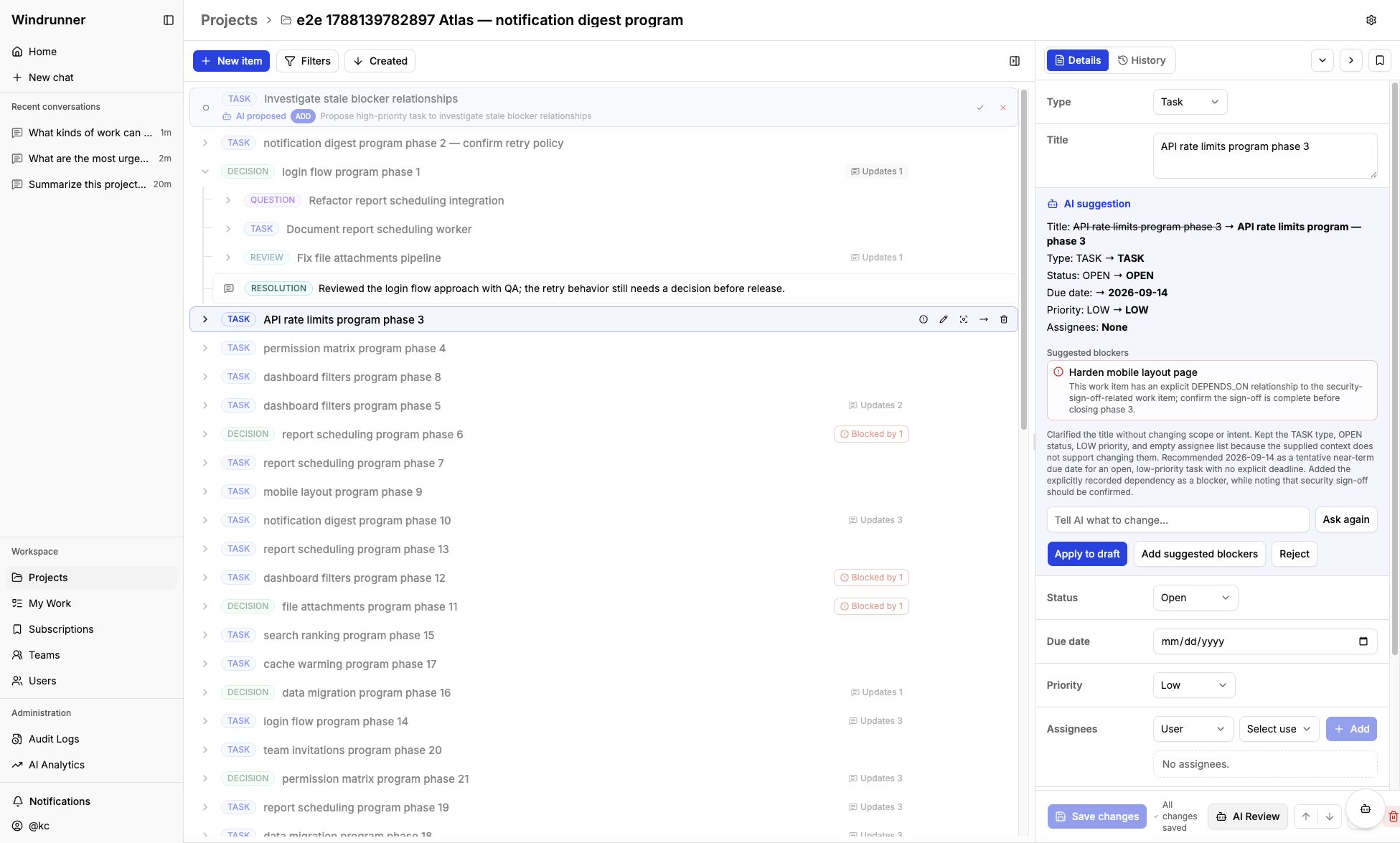
Work item and entry AI Review actions follow the same review-before-save model.
Measure AI usage
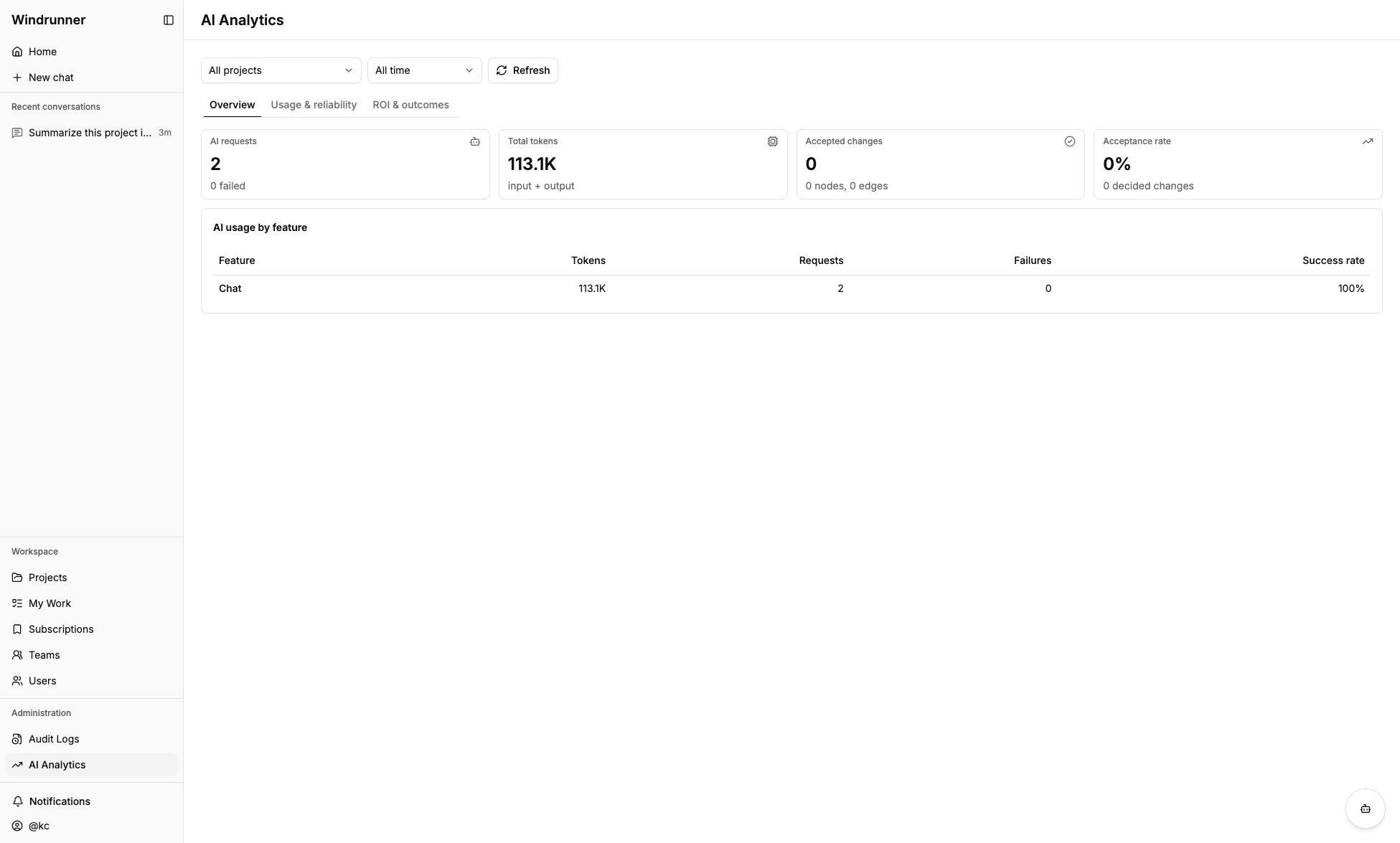
Admins and superadmins can open AI Analytics to filter by project and time range, review request and token totals, inspect feature reliability, and track accepted changes and acceptance rate. The overview separates usage from outcomes so a high request count is not mistaken for successful automation.